
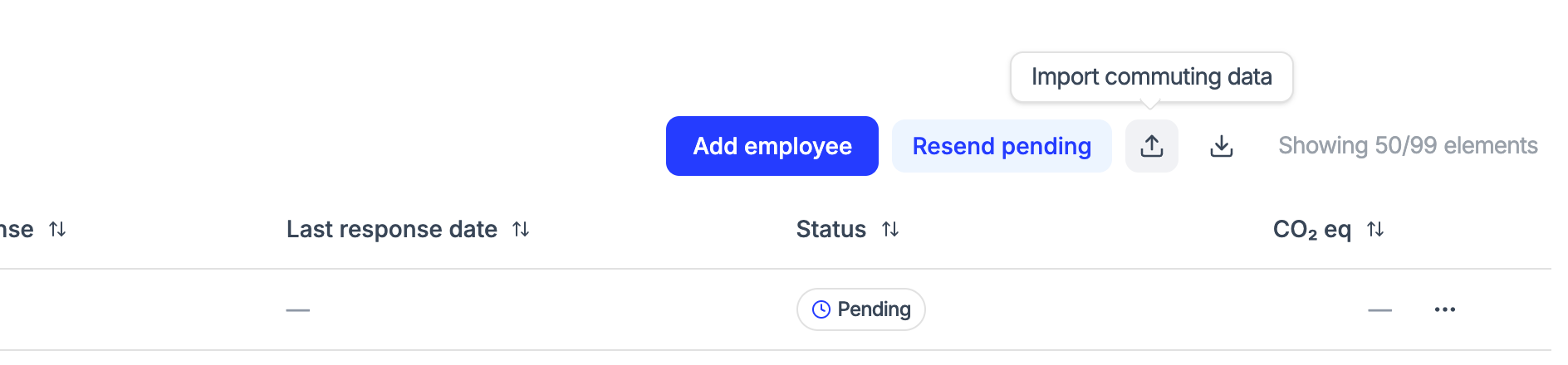
Introducing bulk upload for employee commuting data.
With this new feature, you no longer need to enter commuting data for each employee individually. You can now upload all your workforce mobility information quickly and easily using an Excel/CSV file.
Features:
- Drag and drop your file directly into the platform
- Download a pre-built template to simplify data preparation
- View upload progress in real time
- Receive clear notifications about errors or invalid data How to use it:
- Go to the employee surveys section
- Click the “Import commuting data” button on the top right of the screen
- Download the template and fill in the commuting data
- Drag and drop the file or select it from your computer
- Wait for the information to be processed This feature will save you significant time when managing your organization’s commuting data.