

Write the report where your data already lives.
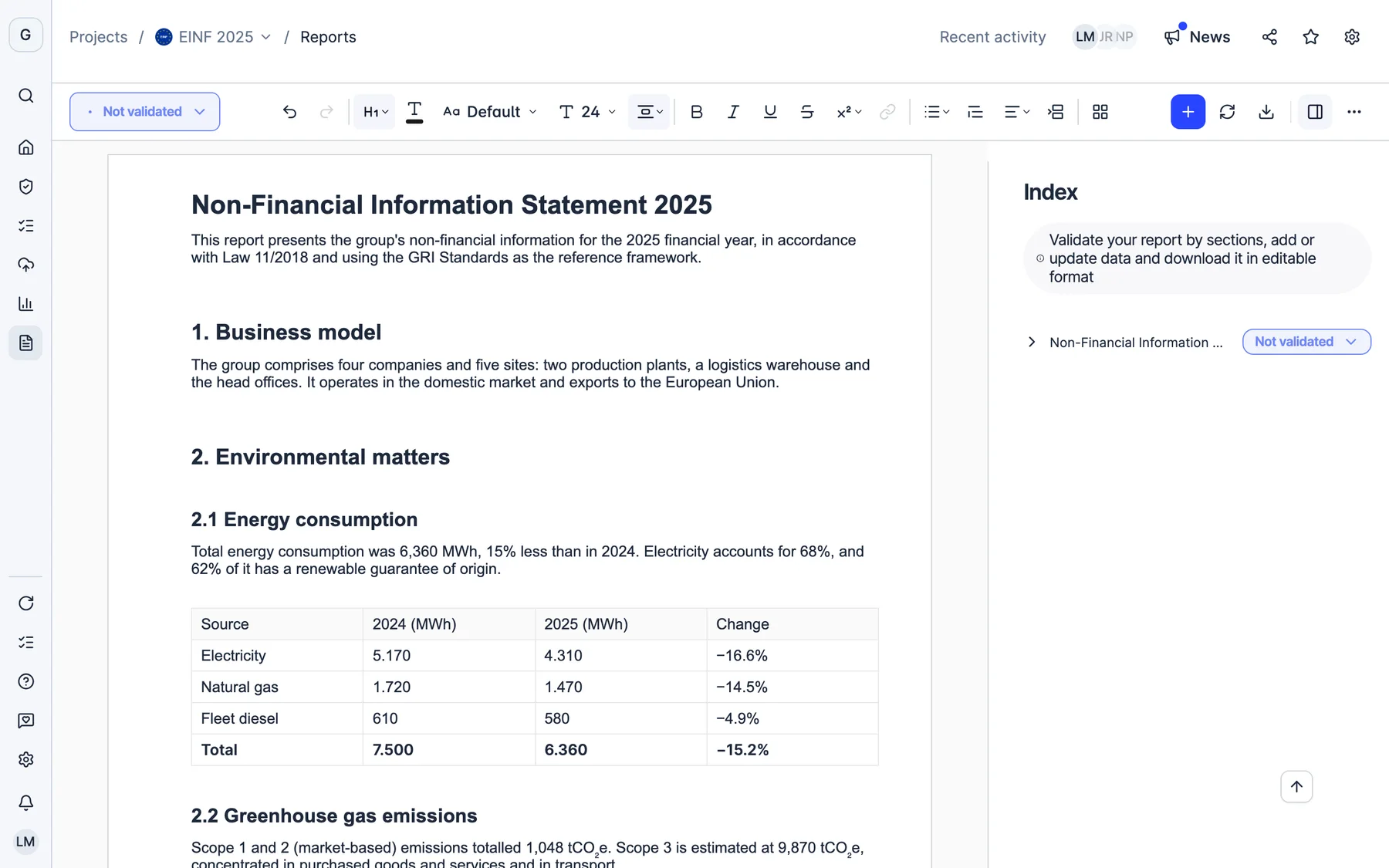
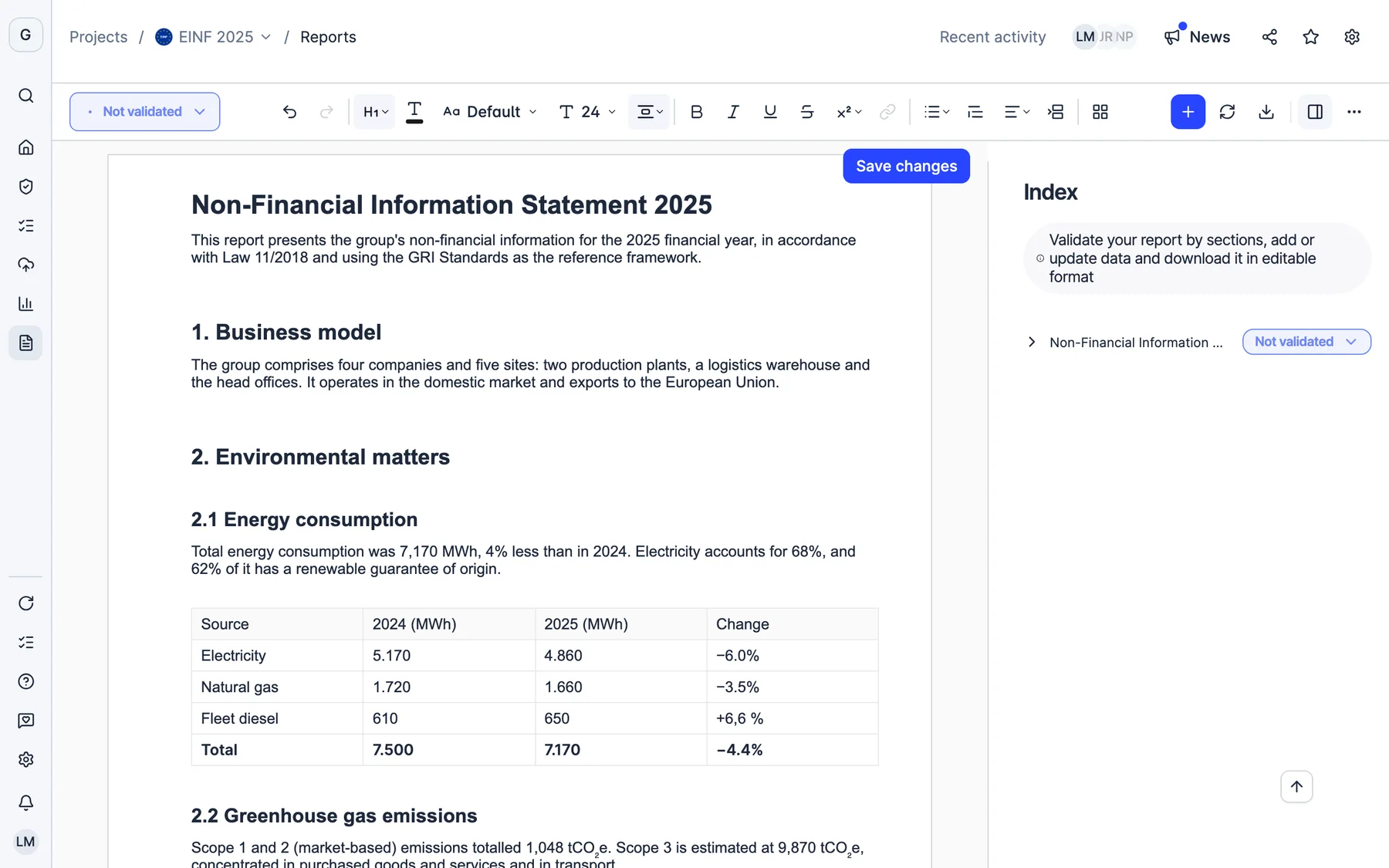
Start from each framework’s template with your figures already in it and edit it with your team at the same time. When a figure changes, you update it in one click. Then download it in Word or PDF with your layout.
- 1 click
- to bring the report up to date
- Word and PDF
- editable, with your layout
- Up to 5x
- faster when opening reports with charts
Refreshing data…
- Refreshing KPIs
- Refreshing GRI data
More than 2,000 European companies report with Dcycle






Change a figure. The report catches up.
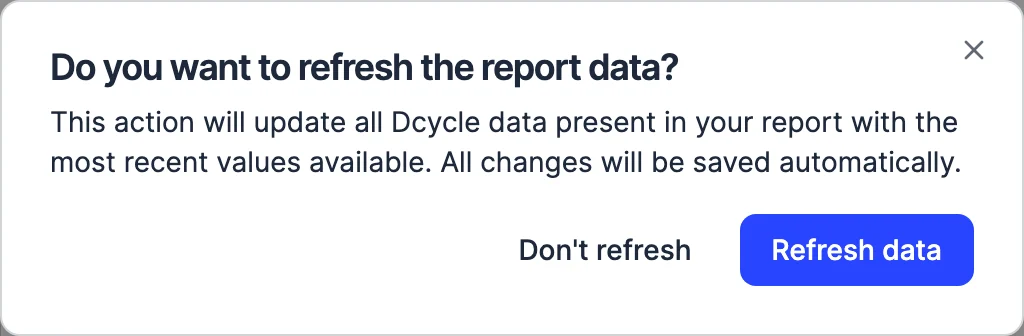
The figures in the report come from Dcycle. If a new invoice arrives or you correct a consumption entry, “Refresh data” brings it into the report in one click and saves the changes automatically.
- Electricity4,310 MWh
- Natural gas1,470 MWh
- Waste1,081 t
- Electricity4,310 MWh
- Natural gas1,470 MWh
- Waste1,081 t
- 1 click
- to bring the latest Dcycle data into the report
- 12+ frameworks
- fed by the same data
- Word and PDF
- to download it editable, with the decimals you choose
- Every figure
- traceable to its source document
A report written as a team, with every figure tied to its source.
Create the report, split what is missing into tasks, write it together and follow every figure back to its document. Without leaving the project.
- Report creation
Create the report you need
Start from each framework’s template (GHG emissions, ESRS, EINF, VSME or LCA) or from scratch. The figures already come from your data.
- Real-time collaboration
The whole team, in the same report
Several people edit at once, comment and mention each other with an @. Notifications keep everyone in the loop.
- Tasks
Every data point, with its owner
Assign what is missing to whoever has it, with a due date. They are notified instantly and get reminders before the deadline, in a single daily email.
-
- EINF report 2025Energy · electricity consumption
- Data in DcycleElectricity · Plant A · October
- Original documentelectricity-invoice-oct.pdf
Original sourceFrom the figure to its document
Every figure in the report comes from a data point in Dcycle, and every data point can be traced back to its invoice or original file.
- Leia drafts
Answers drawn from your documents
Leia reads your policies and annual reports and drafts your CSRD or VSME answers, citing the source and the standard. You confirm each one.
- Decimals 1.240,56Download
In Word or PDF, with your decimals
Choose how many decimals each table shows or apply it to the whole report. It stays the same in the download.
Lay it out like a document. Not like a data dump.
Choose the page size, orientation and margins, and the page reflows instantly. What you decide is saved with the report and kept in the PDF.
New reports start with narrow margins: up to 33% more room for tables and charts.
From data to report. In one minute.
Create a report, edit it live, refresh it with a new figure, work on it with your team and download it with its confidence margin. Click a chapter to jump straight to it.
A document you don’t have to fix afterwards.
- Tables that fit
- If a table is wider than the page, you get a warning and fit it in one click. Nothing gets cut off in the PDF.
- Fonts and images
- Choose the document’s font and resize, align, crop or replace images, with their alt text.
- Pre-audit justifications
- If a data point is marked as not available in the pre-audit, its explanation is added to the GHG report automatically.
- Uncertainty analysis
- When you download the footprint or ISO 14064 report, it includes the uncertainty analysis calculated from your project data.
Frequently asked questions
What is the report builder?
It is the editor where the report is written, inside the project that holds the data. You start from a framework template or from scratch, edit any figure or paragraph, work as a team, lay it out and download it in Word or PDF.
How is it different from multi-framework reporting?
Multi-framework reporting is about the frameworks: each data point is collected once and counts towards CSRD, EINF (Spain’s non-financial information statement, Law 11/2018), ISO 14064, VSME or EcoVadis. The report builder is about the document those figures end up in: writing it, keeping it up to date, laying it out and downloading it. They are used together.
What happens if the data changes after I start the report?
With “Refresh data” the report pulls in the latest Dcycle figures in one click and saves the changes automatically. No need to rebuild tables or copy values.
Can several people work on the same report?
Yes. Several people edit at once, leave comments and mention each other with an @, and notifications keep everyone in the loop.
What layout options are there?
You choose the font, the page size (A4 or Letter), portrait or landscape orientation and normal, narrow or wide margins. You can also resize, align, crop and replace images. Page setup is kept when you export to PDF.
Which formats can I download?
Word or PDF. You choose how many decimals each table shows or apply it to the whole report, and if a table doesn’t fit across the page you get a warning so you can fit it.
Does it include uncertainty analysis?
Yes. When you download the footprint or ISO 14064 report you can include the uncertainty analysis calculated from your project data.
See it with your own data.
Thirty minutes with our team. We show you how your data would come in, and what you would get out.
See Dcycle in action- No commitment
- With your data
- In your language
What your session looks like
- 01 You tell us what you’re being asked forCustomers, auditors or banks: what data and by when. 0–5 min
- 02 We show how your data comes inInvoices, ERP, suppliers: on an example close to yours. 5–20 min
- 03 You leave with a planWhat to automate first and how much time you save. 20–30 min

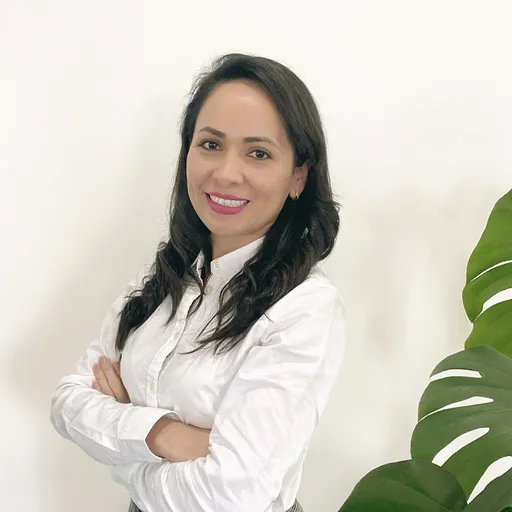

 With someone from the team who then supports you