
LCA

Organize your LCAs into folders

Almudena Gómez-Plata avatar Almudena Gómez-Plata · · 1 min read
Organize your LCAs into folders

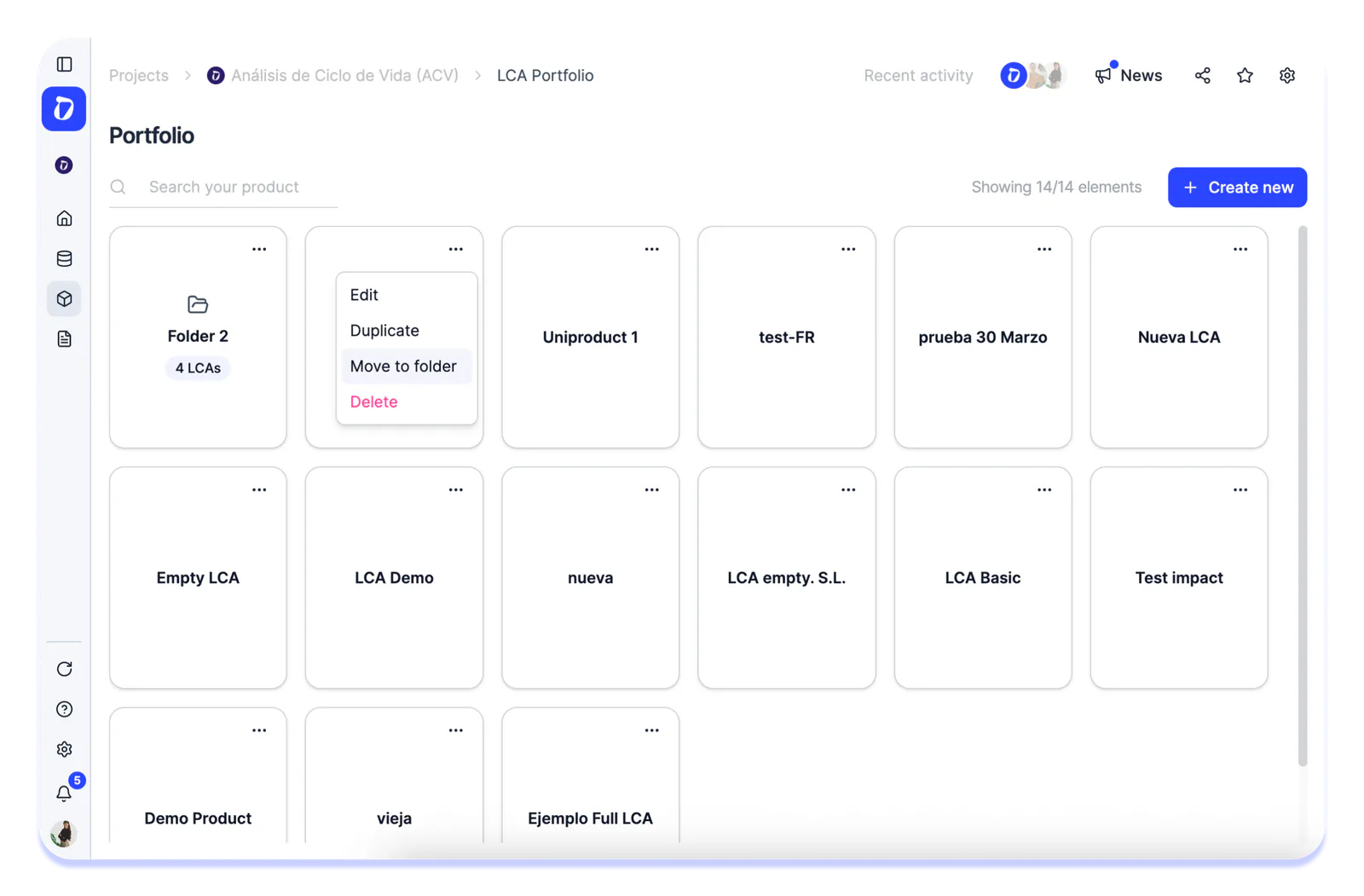
We’ve added the ability to organize your LCAs into custom folders. You can create, rename, and move LCAs between folders based on whatever criteria works best for you (by client, by product, by year, or any other category you need).

This feature is especially useful for teams managing a high volume of LCAs who need to quickly find the analysis they’re looking for, without wasting time scrolling through long, disorganized lists.

Product UpdateLCA
30-minute demo

See it with your own data.

Thirty minutes with our team. We show you how your data would come in, and what you would get out.

See Dcycle in action
  • No commitment
  • With your data
  • In your language

What your session looks like

  1. 01 You tell us what you reportFrameworks, deadlines and who asks for it. 0–5 min
  2. 02 We show how your data comes inInvoices, ERP, suppliers: on an example close to yours. 5–20 min
  3. 03 You leave with a planWhat to automate first and how much time you save. 20–30 min
With someone from the team who then supports you