

What’s new
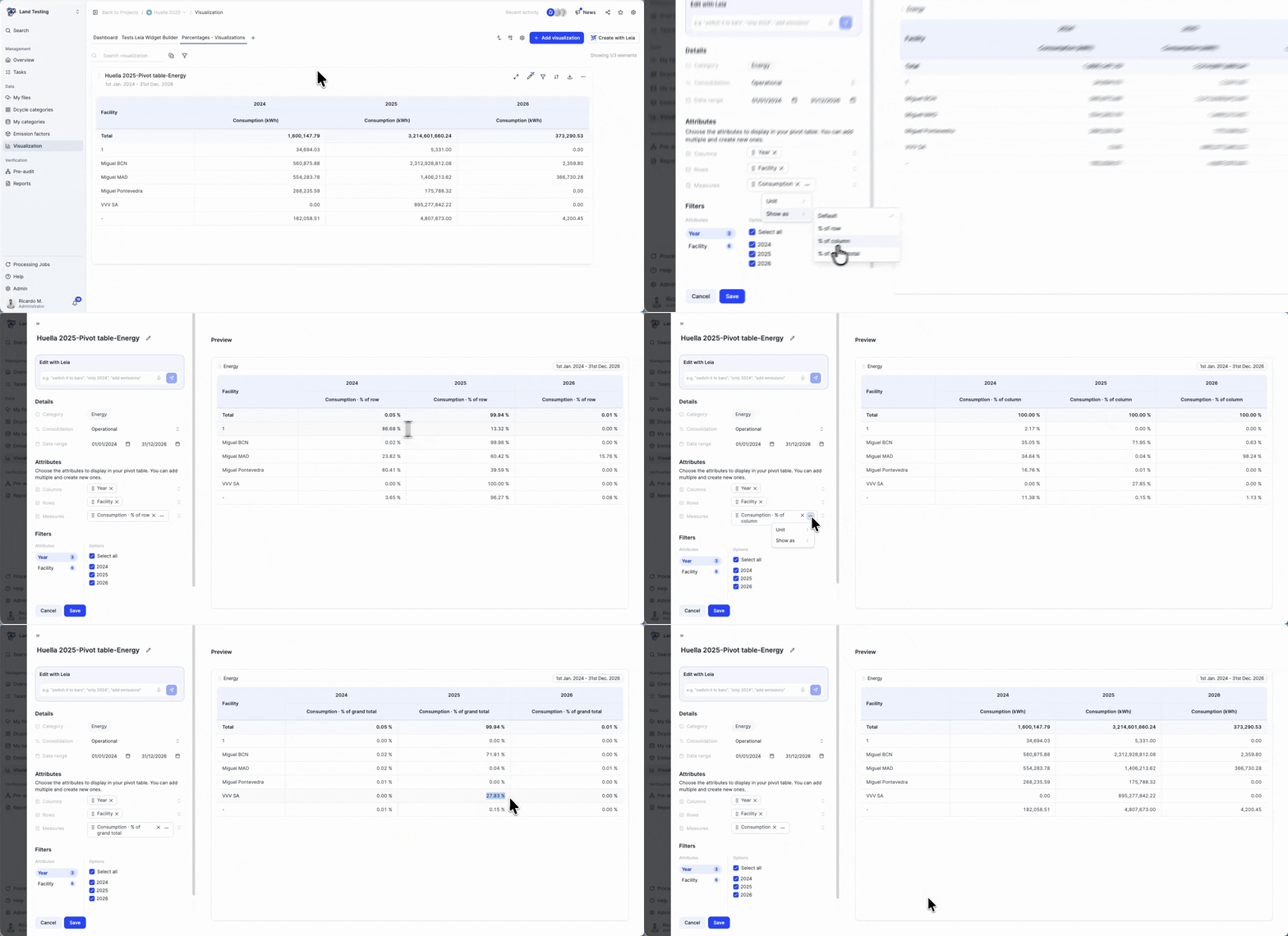
Companies that train their employees in-house, instead of hiring external providers, can now track those hours specifically in Dcycle. The new pivot table breaks down in-house training data by employee category, training type and period, so you can see exactly how many hours your own team has delivered without exporting anything to a spreadsheet.
How it works
Open the training section of your EINF or ESRS S1 project and select the new “In-house training” pivot table. Rows and columns are fully configurable: group by department, contract type or month, and switch between hours and number of employees with one click. Any data you upload or edit updates the table automatically, so the figures you see always match your latest records.
Why it matters
Training hours delivered by in-house staff are just as reportable as those bought from external providers, but they are usually harder to track because the data lives in HR systems rather than in invoices. This pivot table closes that gap and gives sustainability teams a ready-to-use view of in-house training effort for CSRD, ESRS S1 and EINF, with no manual reconciliation.