


Until now, understanding why a calculation landed on a given result usually meant piecing together information from different places. Not anymore.
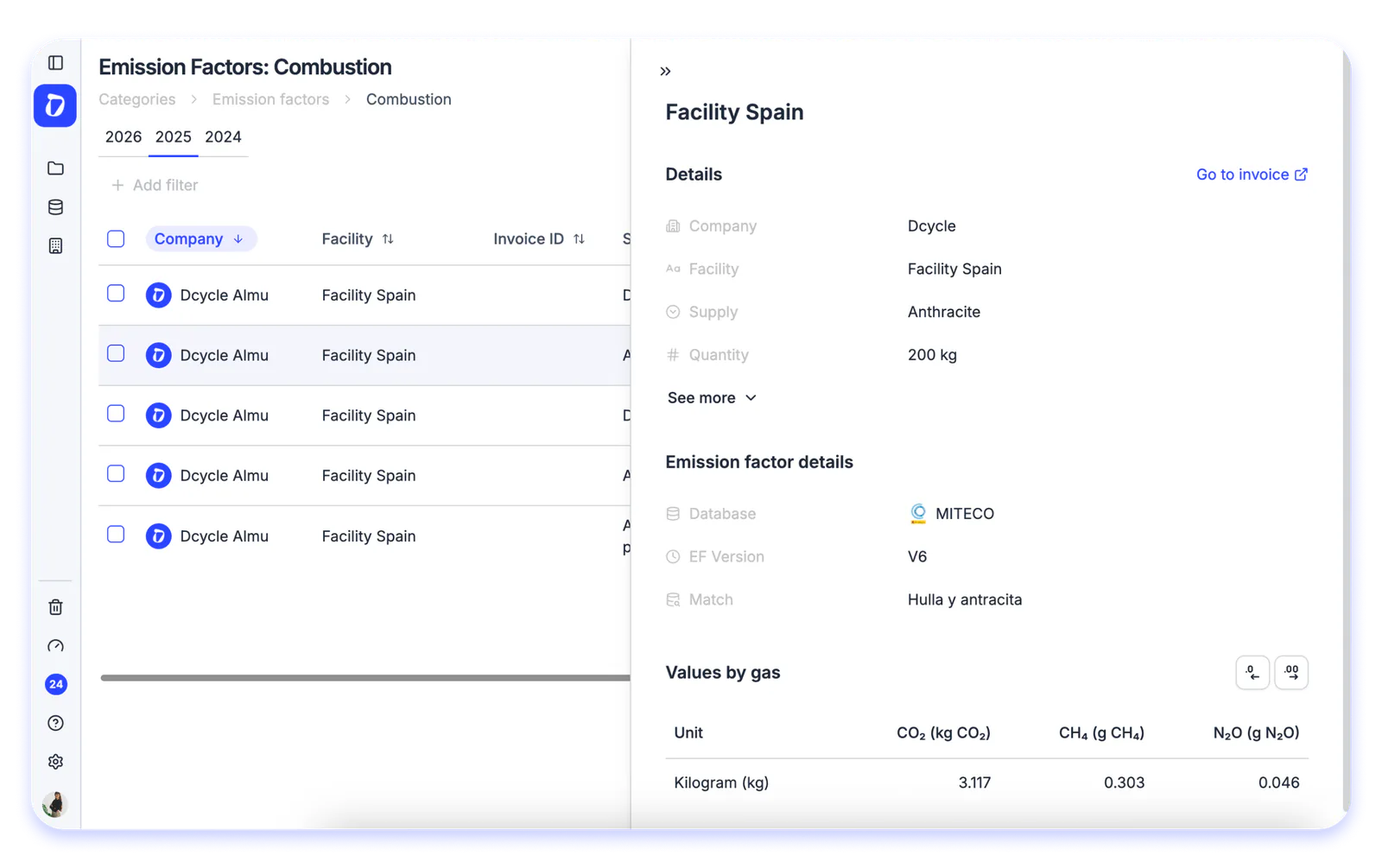
You can now open the full detail of any emission factor without leaving the platform. Just go into a category within Emission Factors and click on any row, a panel opens up with all the traceability behind that figure.
There you’ll find the company and facility involved, the quantity, the database and EF version applied, the match used, and the values by gas (CO₂, kg CO₂e). The whole story behind a calculation, at a glance and ready for audits.
Find it in: Data → Emission Factors → select a category → click any row